About Beat Tap — rhythm music game
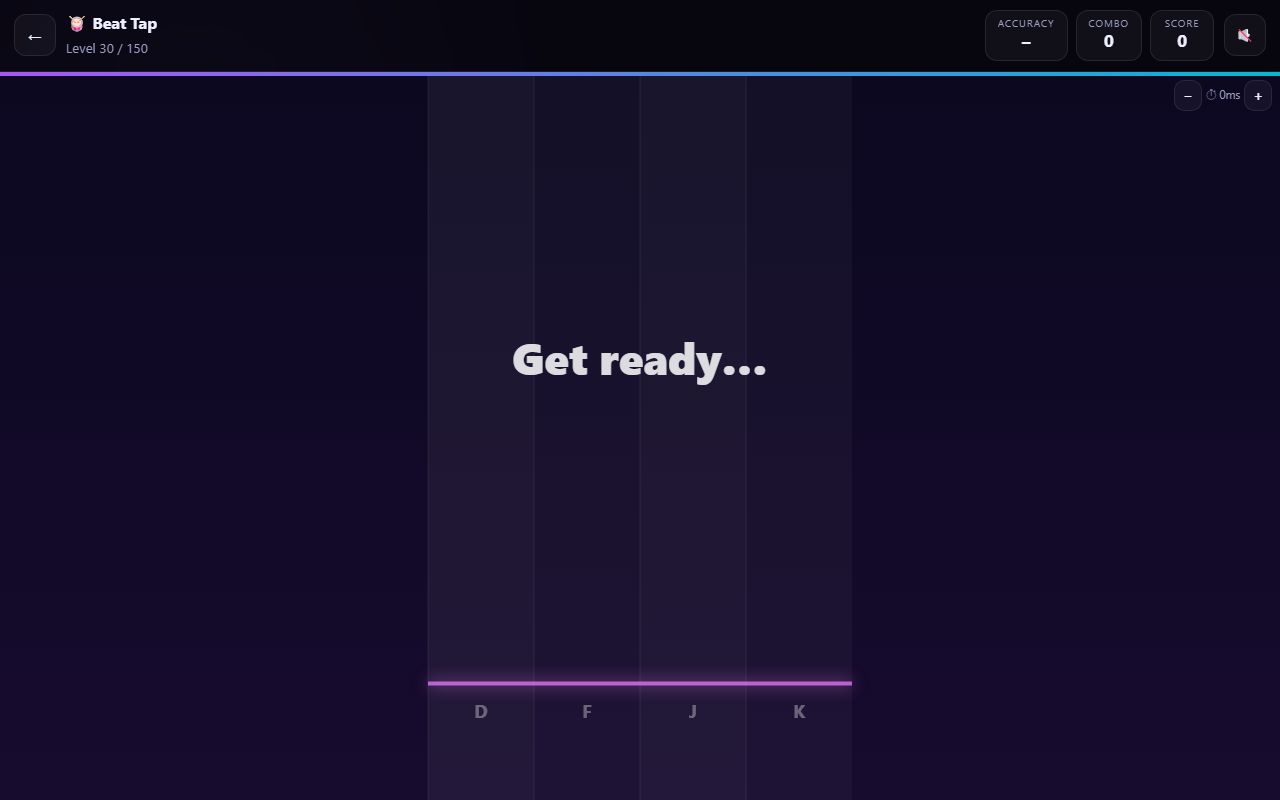
Beat Tap is a rhythm game with original music generated in your browser. Notes fall down 3 to 5 lanes and you tap each lane as its note crosses the glowing line, on the beat. Levels climb from a relaxed 80 BPM with three lanes to 192 BPM with five lanes, hold notes, syncopation and speed changes.
Hit the falling notes in time with the music and finish the song with at least the level's target accuracy. The target starts at 60% on level 1 and rises steadily to 90% on level 150. Higher accuracy earns more stars.
How to play
- Press Drop the beat. A one-bar count-in of four clicks plays before the first note arrives.
- Watch the notes fall towards the glowing line at the bottom of the lanes.
- Tap the matching lane (or press its key) exactly as each note touches the line.
- On double notes, hit both lanes at the same time. On hold notes, keep holding until the tail reaches the line.
- Each hit is judged PERFECT, GREAT, GOOD or MISS. Keep the combo going for extra points.
- Finish the song with at least the target accuracy shown on the intro card to clear the level.
🎮 Controls
| Tap a lane (touch or mouse) | Hit the note in that lane. The whole lane height is a touch zone, so you can tap anywhere in the column. |
| D F J K (and arrow keys) | Hit lanes on a keyboard. 3 lanes use D, F, J (or ← ↓ →); 4 lanes use D, F, J, K (or ← ↓ ↑ →); 5 lanes use D, F, Space, J, K. |
| Press and hold | On hold notes, keep the lane pressed until the tail of the note passes the line. |
| ⏱ − / + buttons | Adjust audio/visual sync in 10 ms steps (−250 to +250 ms). The setting is saved on your device. |
📈 150 levels: from easy to impossible
Basic (levels 1–20) — Three lanes and simple on-beat rhythms, starting at 80 BPM. From level 10, notes can also land on the offbeat (between beats). Timing windows are most lenient here.
Easy–Medium (levels 21–49) — Four lanes from level 21. Double notes (two lanes at once) arrive at level 30, and 16th-note syncopation at level 40.
Medium–Hard (levels 50–70) — Hold notes appear at level 50: press and keep holding until the tail ends. Tempo and note density keep rising every level.
Expert (levels 71–89) — Five lanes from level 71, with Space as the middle lane on a keyboard. More doubles, holds and syncopation.
Genius (levels 90–119) — Scroll-speed changes: every 8 beats the notes can speed up or slow down visually (×0.7 to ×1.4), so you have to read ahead.
Impossible (levels 120–150) — Swing timing pushes offbeats slightly late. Tempo reaches 192 BPM with the densest charts and the tightest timing windows.
💡 Top tips
- Turn the sound on. The drums and bass are built around the same beat as the notes, so listening helps more than watching.
- Use the four count-in clicks to lock onto the tempo before the first note.
- Tap on the beat, not when you first see the note. Notes are timed to land exactly on the line.
- If your hits always feel early or late, use the ⏱ buttons to adjust sync by 10 ms at a time.
- Don't mash. Stray taps break your combo and drag accuracy down.
- On a keyboard, rest two fingers of each hand on D F and J K so you never look down.
❓ Beat Tap FAQ
Is Beat Tap free?
Yes. Beat Tap is free to play in your browser on phones, tablets and computers. Create a free account to save your progress and stars.
Where does the music come from?
All the music is generated in your browser with a synthesizer: drums, bass and chords created for each level. There are no audio files or copyrighted songs.
Can I play with the sound off?
Yes, the game still works silently using your device's clock, but rhythm is much easier to follow with sound on.
My taps feel early or late. What should I do?
Use the ⏱ − and + buttons in the top-right corner during play to adjust sync in 10 ms steps. The setting is saved on your device.
What keys do I use?
D, F, J and K (or the arrow keys). With 3 lanes use D, F, J; with 5 lanes the middle lane is the Space bar.
How many levels are there?
150 levels, from 80 BPM with three lanes up to 192 BPM with five lanes, hold notes, syncopation, speed changes and swing.